
Sample Files
Introducing sample Python script files.
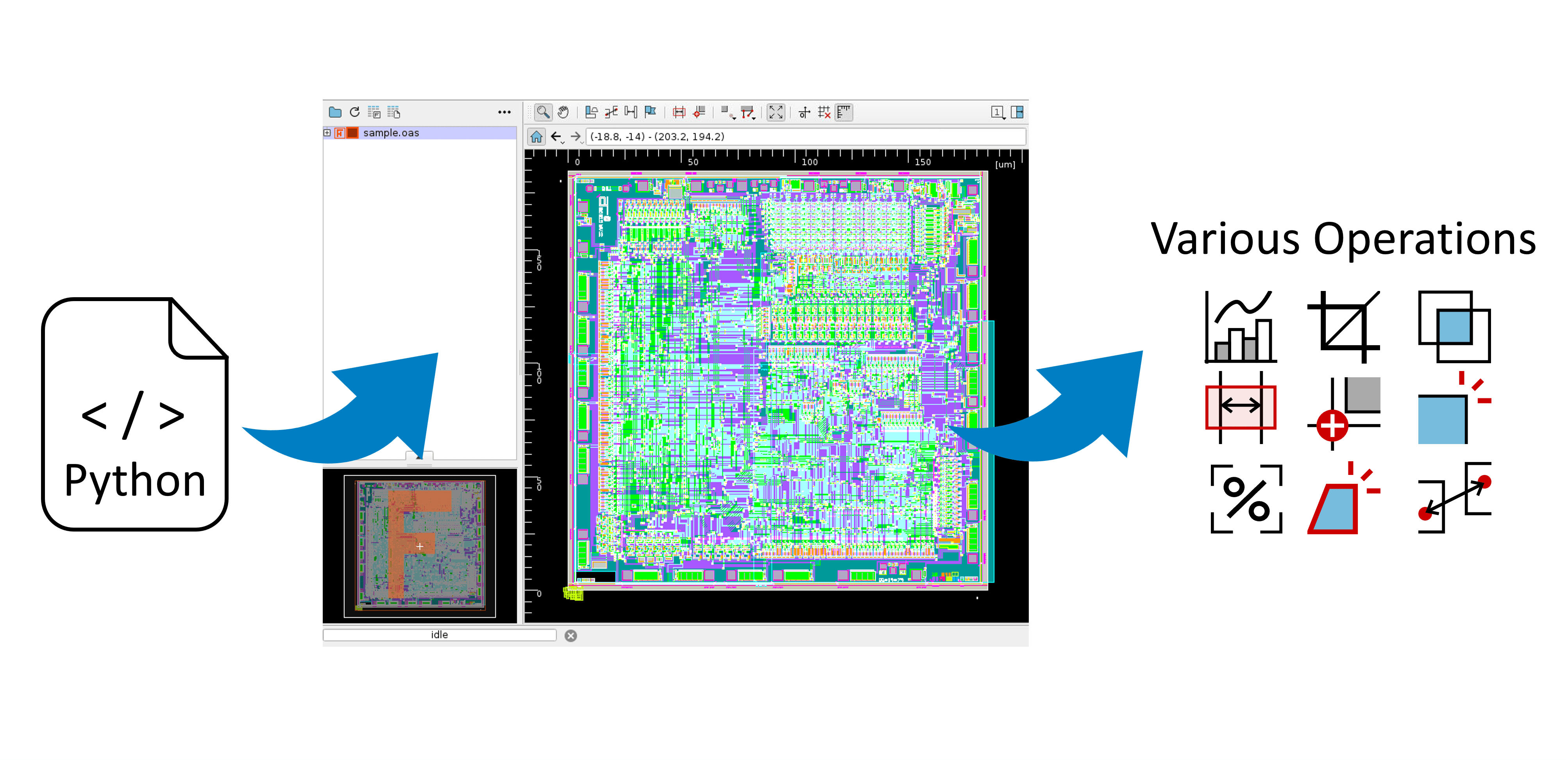
You can operate neoEBV by running Python scripts.
By combining various commands, you can automate processing flows and implement custom operations.
Installation of any version of Python 3.6 through 3.13 and specification to LD_LIBRARY_PATH is required to execute Python scripts. If it is not installed, please download it from the Python official website or use your OS package manager to install it.
If you cannot install Python in your environment, you can also use a Python package dedicated to neoEBV to run Python scripts. Download the Python package dedicated to neoEBV, and install the package with the following command.
$ nebv --python-package-add=/path/to/libpython-for-neoEBV.3.6.tar.gz
The pynebv module is used to operate neoEBV.
When running Python scripts via neoEBV, the pynebv module is always imported automatically, so no user configuration is required.
For details on each class and method in the pynebv module, please refer to the pynebv Reference.
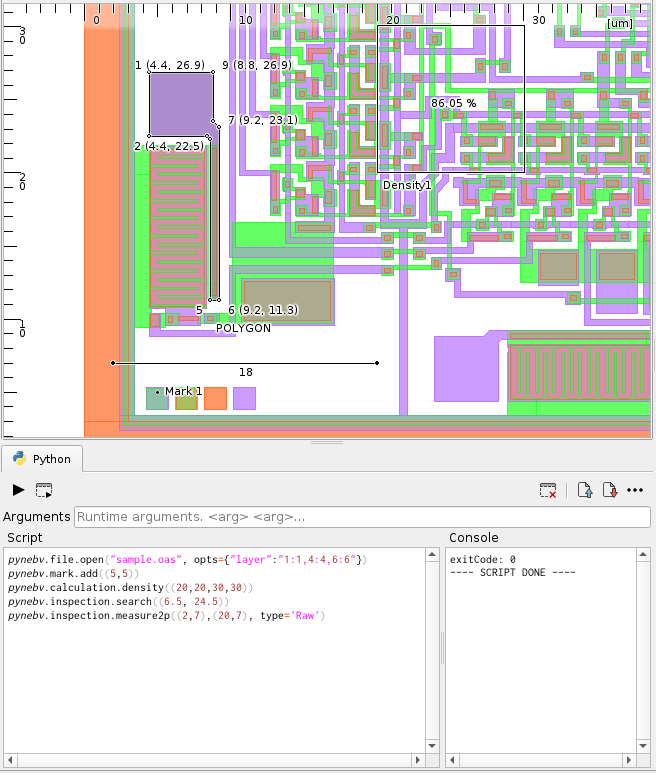
Python scripts can be executed from the Python panel on the GUI. Refer to Python Panel page.
You can execute Python scripts by specifying the script file via command-line arguments.
Use the --python-file or -P option to specify the script file path along with any script arguments.
Script arguments can be accessed within the script by importing the sys module.
The script file path is stored in argv[0], and the specified arguments can be accessed in order starting from argv[1].
$ nebv --python-file="/path/to/script.py [argument 1, argument 2, ...]"
When running from the command line, the output is displayed in the terminal if the --headless option is specified; otherwise, it is shown on the console of the GUI Python panel.
Introducing sample Python script files.
Add functionality to neoEBV using a Python script